Case specialists
Their cases, the next step on each, and what blocks it.

For Medicaid long-term care application services
One shared record for every case: the evidence, the money, the deadlines and the next step, each with a named owner. Applicants and facilities work in the same record through their own portals.
Caidwise 1.0 · Available since October 1, 2026 · What’s next

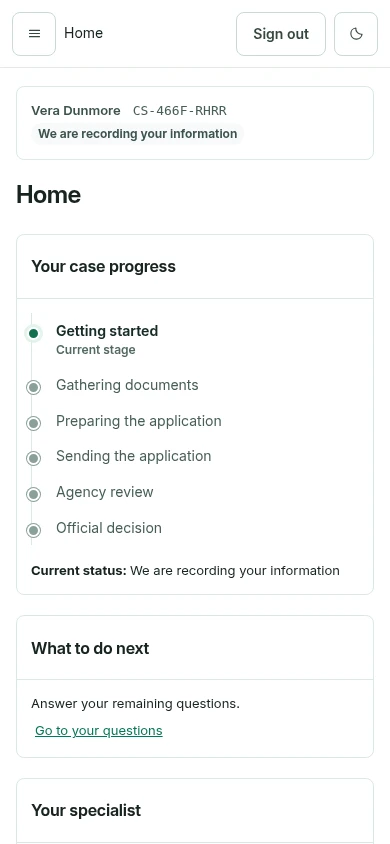
Their cases, the next step on each, and what blocks it.
Team queues, approvals waiting on them and verified deadlines.
The whole organization: filings, decisions, client reports and people.
Their progress, what to do next and the documents asked of them.
Where each resident's application stands and what the facility owes.
Why Caidwise
A missing statement month or an unreadable page sends the application back for rework, or toward an avoidable denial.
Agency requests for information arrive with due dates that live in one person’s inbox until they are missed.
An application filed after the intended coverage month can put payment for the care already given at risk.
The facility, the family, and the case team each hold part of the case, so no one sees what is complete and what is not.
The casework journey
Bring referral details, the applicant, the facility, and the case owner into view.
See required documents, missing statement periods, and items to request from the applicant or facility.
Use Case Intelligence, Document Review, and Financial Review to examine findings, gaps, and conflicting values.
Inspect a proposal and its context, then approve, reject, edit, or return it for further work.
Explore application stages, notices, dates awaiting verification, and requests for information.
The case record
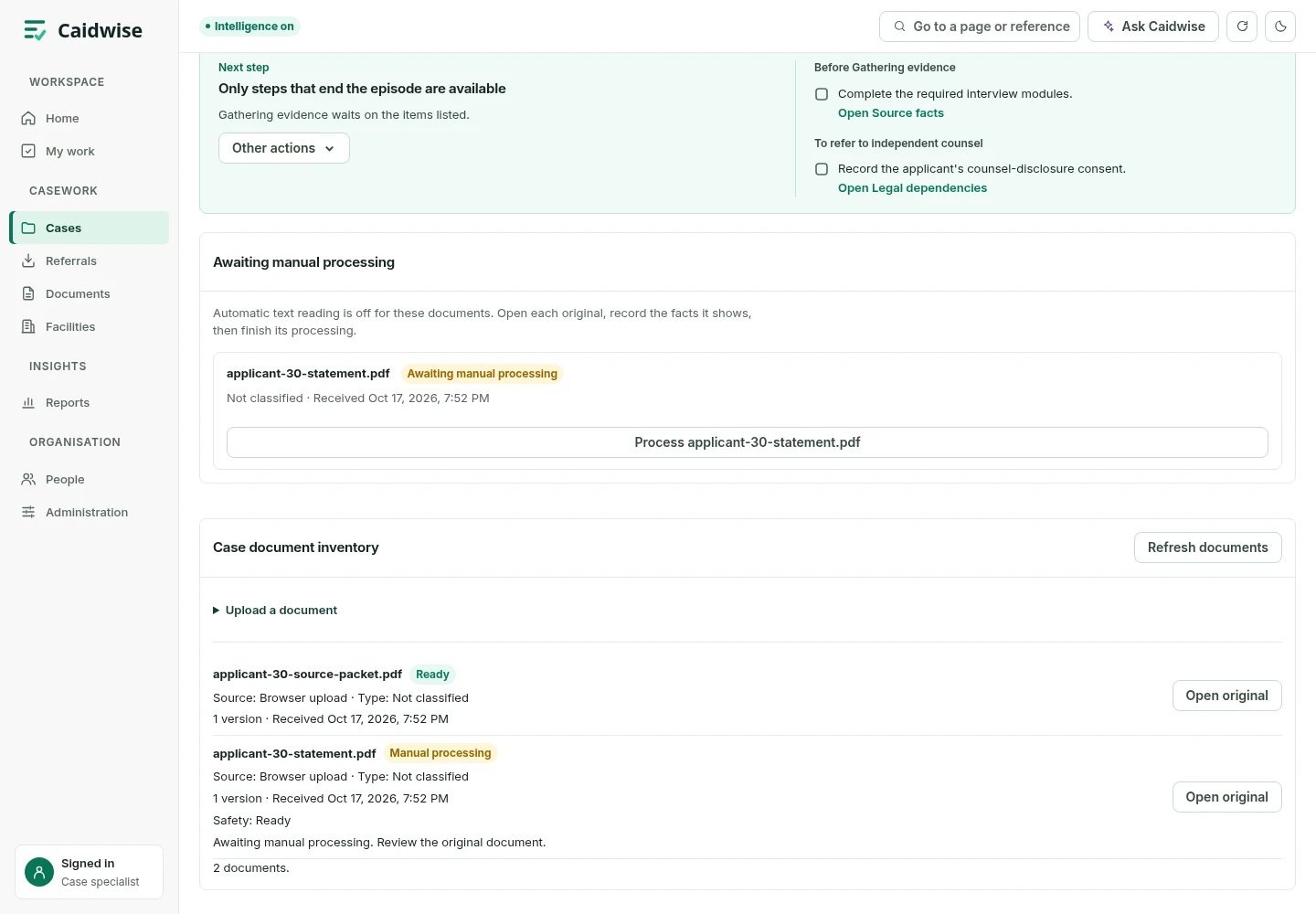
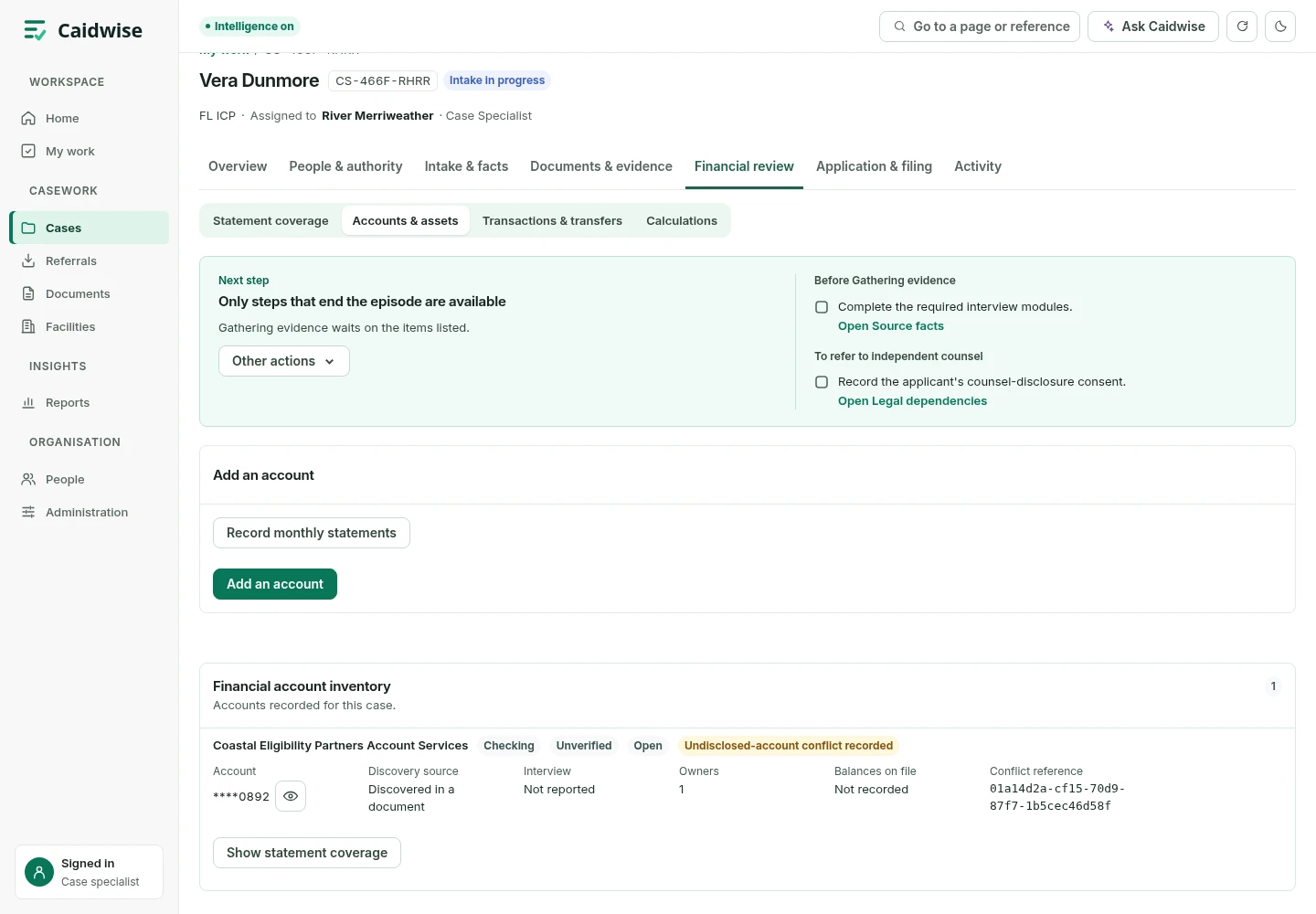

Ask Caidwise
Read the case brief and key findings. Ask about recorded evidence, blockers, and dates in a side chat without leaving the page.
Graphite dark mode is built in, for long days on screen.

Applicant & facility portals
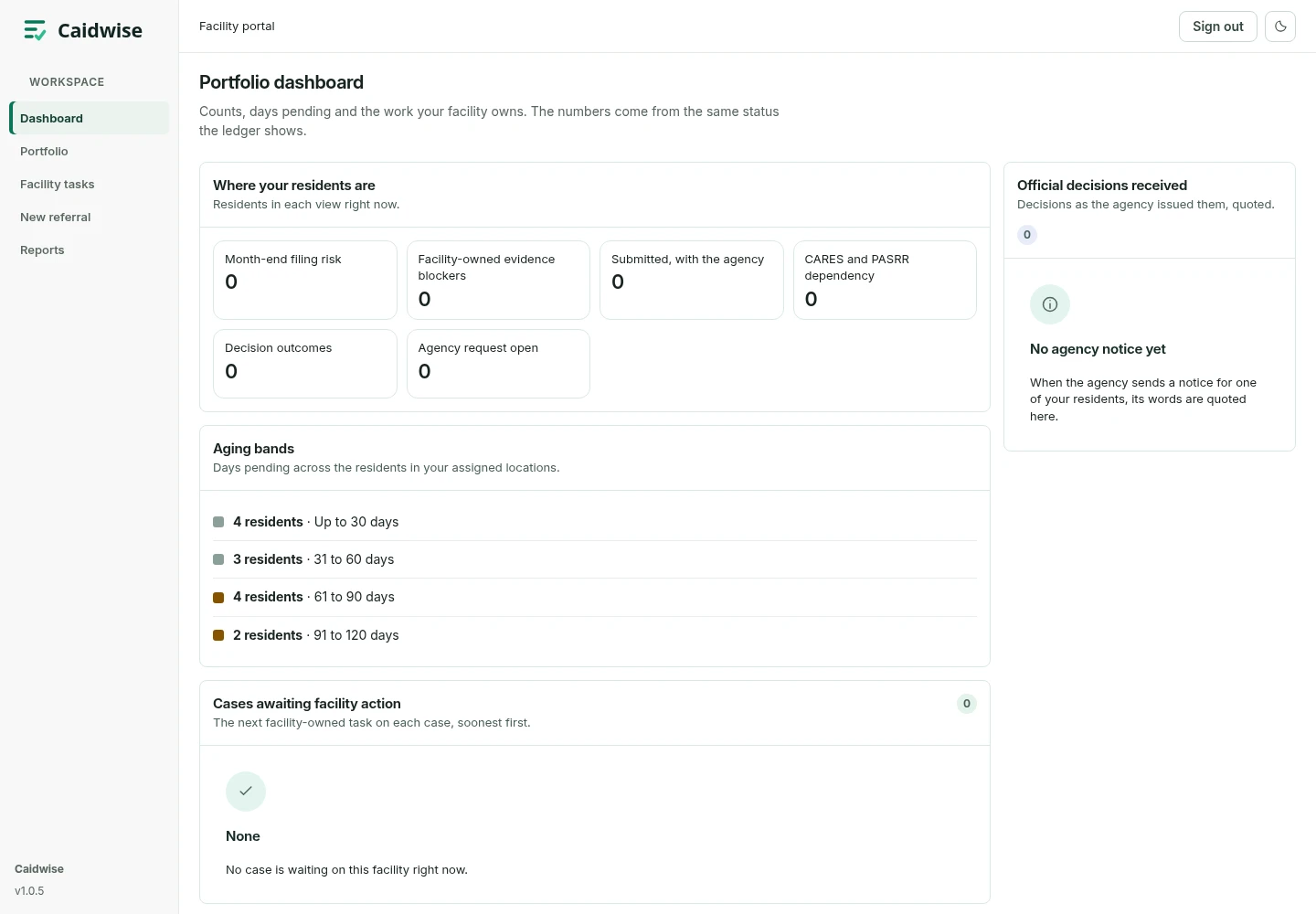
Your team
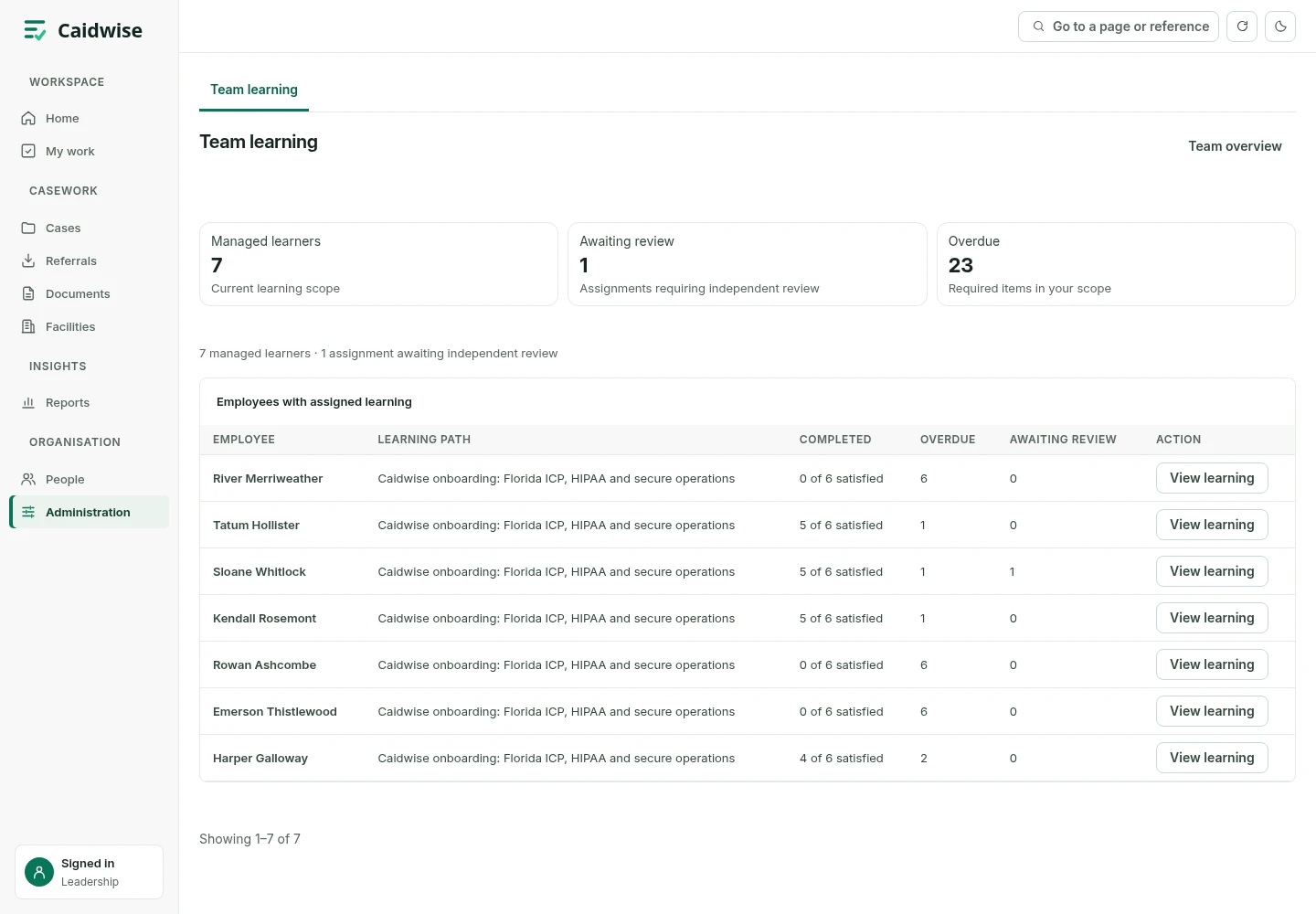
Onboard and train new staff, and track each person’s readiness for their role.
Caidwise Mail Coming November 1
Receive every inbound email in one place. Link messages and their attachments to the right case, and send requests for additional documentation from the case.
Available .
Ask about Caidwise MailData and human oversight
AI-assisted findings are proposals. A person approves, rejects, edits, or returns each one, and the record keeps who decided, when, and the reason where one is required.
Releasing an application questionnaire and deleting personal data each need approval from two different people.
Access follows role and relationship: applicants see their own requests, facility contacts see a resident view for follow-up, and platform administrators do not see case Intelligence.
Findings and candidate values sit next to the records they came from, so a reviewer can check them before acting.
Ask for the current security and privacy summary, hosting and access controls, and the agreements your organization requires.
Caidwise 1.0 is available now. Since October 1, 2026, it brings case records, evidence review, deadlines and human approvals into one workspace for Medicaid long-term care applications.
Casework, evidence review, human approvals, portals, Manager Intelligence & Reports, and Ask.
Email and attachments linked to the right case.
Referrals, census intake and a facility portal for skilled nursing and assisted living partners.
A self-serve workspace for elder law firms, led by a sourced 60-month look-back report.
Assigned work, visits and evidence capture on phone and tablet.
See a case move from referral to filing with your team's own questions.
Please do not include any resident’s or applicant’s information in your message. We will agree on a secure channel before any case detail is shared.